How to Remove a User from Airspeed
Last updated: May 20, 2026
To remove a team member from your Airspeed workspace, use the User Management page in settings:
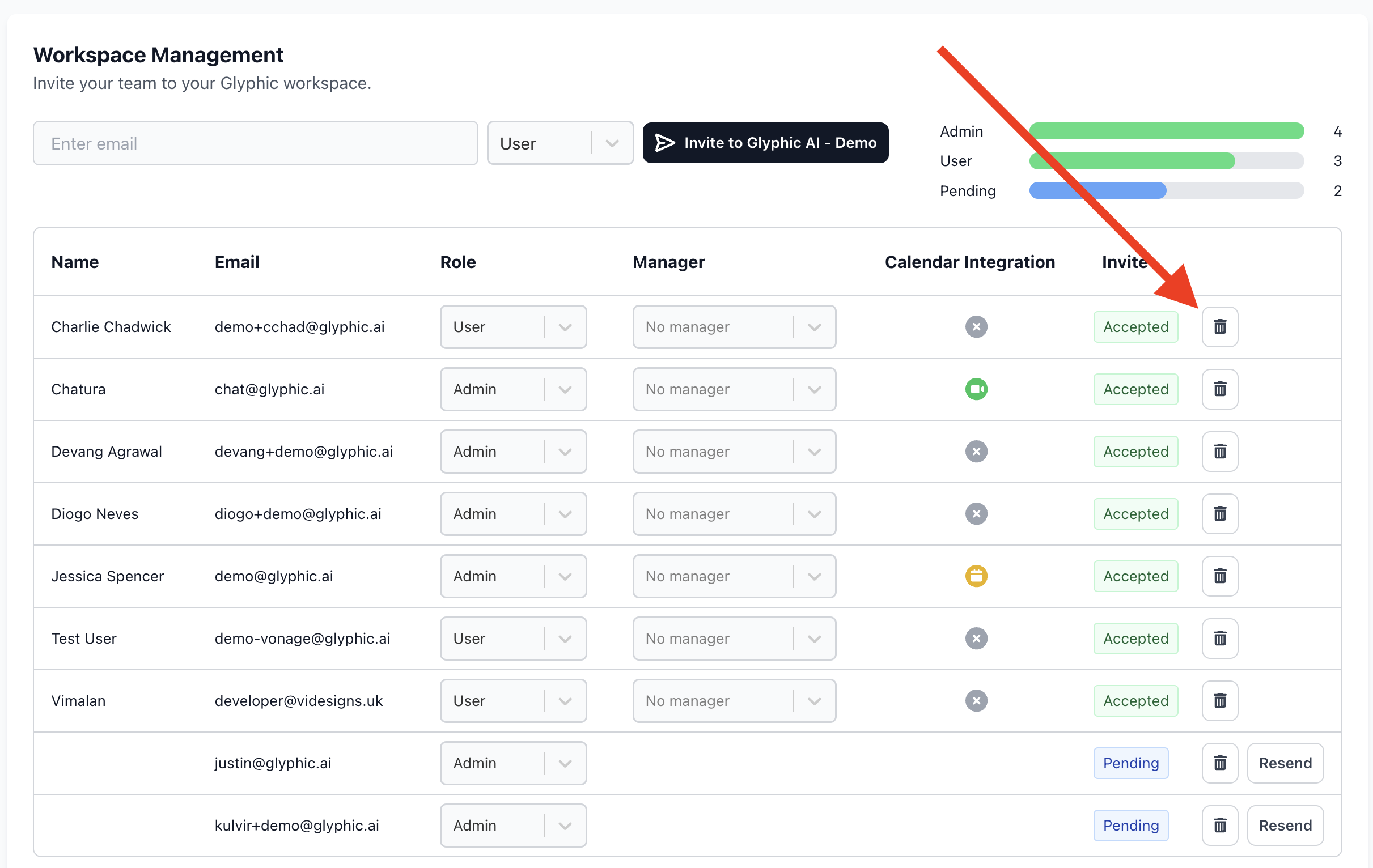
Navigate to the User Management Settings page by clicking on Settings -> Users
Locate the user you wish to remove in the list of team members.
Click the "Delete" option next to their name.
Note: Deleting a user will not delete any of their recorded calls from within Airspeed, they will still be accessible after the user is deleted.