How can I make all internal calls private by default?
Last updated: May 20, 2026
Apart from setting individual calls private ad-hoc (see 📄 How can I make a call private?), admins can decide to make all internal calls recorded on Airspeed private by default.
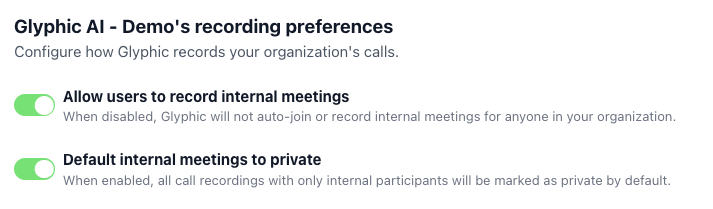
In order to do so, go to the Organizational Settings (Settings → Organizational), and under “[Your organization]’s recording preferences” enable the “Default internal meetings to private” toggle: