Stop Airspeed from recording an upcoming meeting
Last updated: May 20, 2026
Stop Airspeed from recording an upcoming meeting
Enter the ‘schedule’ page via the navigation menu
Use the schedule and the week selector to find the upcoming meeting you don’t want to record
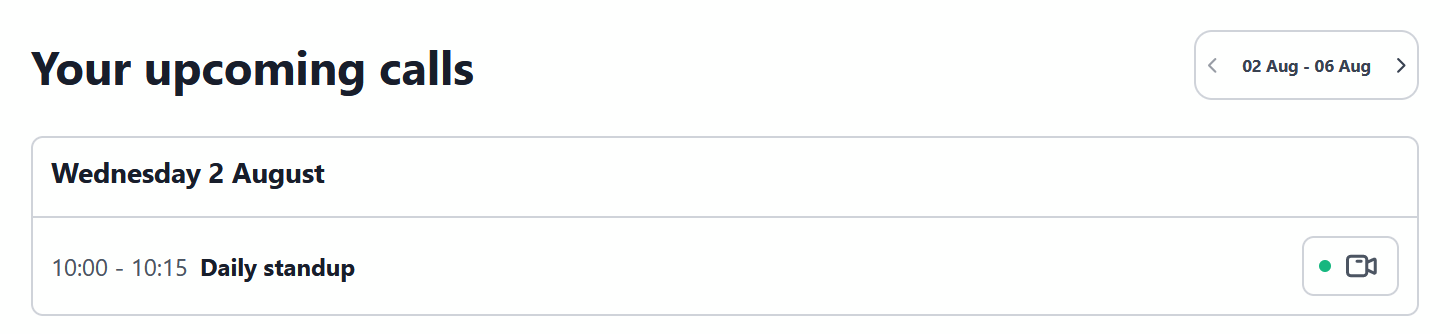
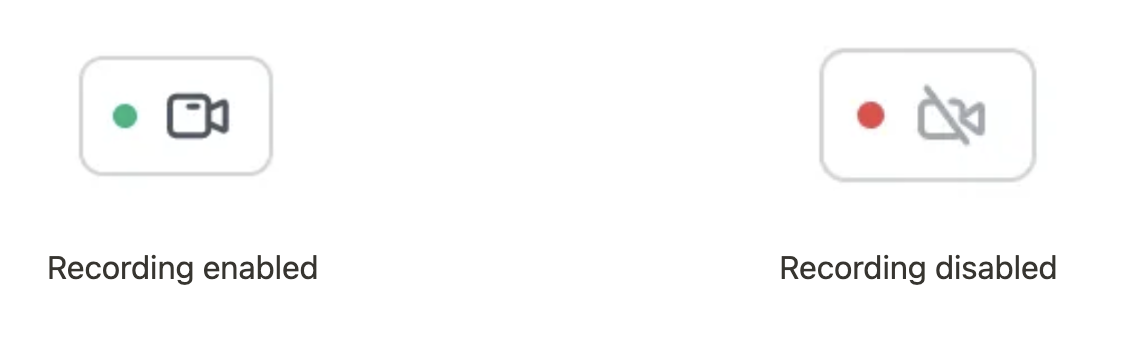
Toggle the record icon so that it’s set to ‘red’
Recording enabled Recording disabled